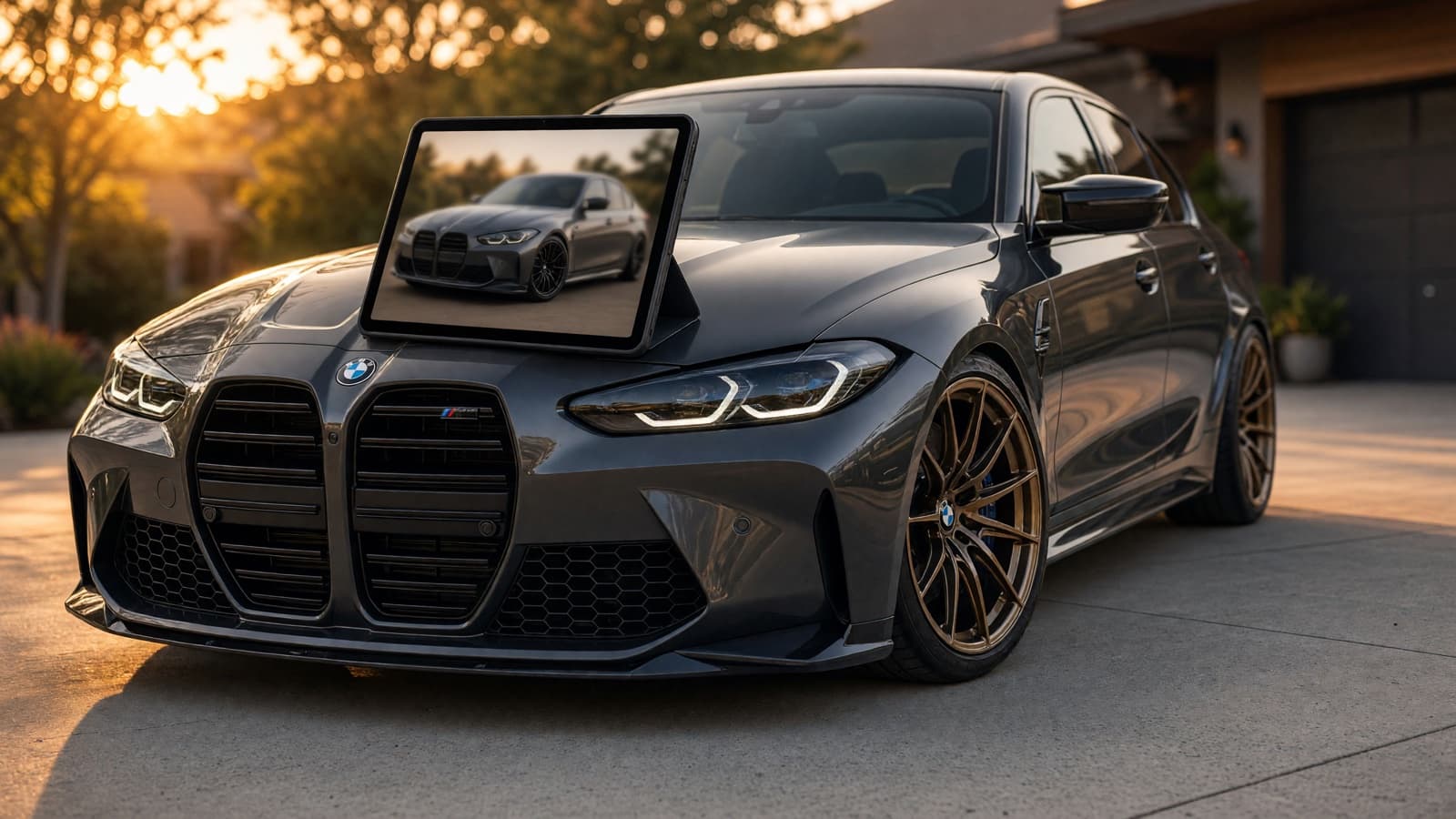
"Car customizer" means three different tools, and most people end up in the wrong one. The automaker's configurator builds a new car you have not bought. A 3D tuning tool builds a 3D model of a stock car. Only the third kind starts from the car parked in your driveway.
This guide sorts them out: what each type of car customizer is good for, what it costs in 2026, what it cannot show you, and how to plan a real build on your own car, step by step.
The three kinds of car customizer
Automaker configurators spec new cars, 3D tools play with stock models, and AI photo tools show changes on your actual car.
| Type | Best for | Uses your own car? | What you can change | Cost | Examples |
|---|---|---|---|---|---|
| Automaker configurator | Speccing a new car with real option prices | No | Factory paint, wheels, trim, packages | Free | Ford Build & Price, Porsche Car Configurator |
| 3D tuning customizer | Playing with kits and stance | No | Wheels, kits, spoilers, suspension, color | Free, with in-app purchases | 3DTuning, Formacar, TECHART |
| AI photo customizer | Seeing real parts on the car you own | Yes | Varies: wheels, color, wraps, tint, stance, kits | Free tiers, then per render or subscription | VizTunr, WheelBlend, Car Editor, Cartomizer |
The column that matters most is the fourth one. If the car already exists, only a photo-based tool can show you the version of it you are actually going to drive.
1. Automaker configurators: new cars only
Build-and-price tools are the best way to spec a new car, and the wrong tool for the one you already own. They configure new vehicles by model year, with the factory's options and prices.
The depth is real. On Ford's Build & Price for the 2027 Expedition, paint runs from $495 to $995 for a tri-coat white, 22-inch wheels cost $1,500 to $1,835, and the Platinum Ultimate Package adds $17,285. The Porsche Car Configurator prices every option on a 2027 Macan 4 Electric, including Paint to Sample with 55 historical colors at $13,870, and lets you spin the car 360 degrees in day or night scenes. Porsche even launched an AR app in 2019 that placed a configured car in your driveway.
Shoppers use these tools for exactly that job. In a 2015 J.D. Power study of more than 9,800 new-vehicle shoppers, 35% used build-and-price to check whether a vehicle fit their budget and 29% to build one with the features they wanted.
What they cannot do is show aftermarket parts, or your current car. A 2021 car with a lowered stance and a wrap does not exist in any automaker's configurator.
2. 3D tuning customizers: stock models, endless parts
3D tuning tools are the playground: huge parts catalogs on 3D models of stock cars. 3DTuning is the best known. Its site says more than 600 cars are available, more than 200 of them with individual tuning parts, and you can change materials, parts, and suspension settings. The iOS app is free with optional purchases such as a $34.99 VIP pack, and it adds trucks and bikes with lift kits, camber, and offset controls.
Others cover narrower ground. Formacar offers a 3D showroom with wraps, wheels, and kits, plus an AR feature that places virtual wheels onto your real car, with paid configurator upgrades from $0.99. Tuners build their own: TECHART's 3D configurator lets you build a TECHART-modified Porsche.
The limit is the same everywhere: the car on screen is a model of a stock car, not yours. It cannot show your paint, your current wheels, or the lowering springs you already fitted. For the gaming side of this category, our list of games like 3D Tuning compares 15 of them.
3. AI photo customizers: your car, your photo
AI photo tools start from a picture of your car and change only what you ask. They are newer, they differ a lot in what they change, and they are the only kind that answers "what will my car look like?" Prices from each tool's own page, October 2026:
| Tool | What it changes | Price |
|---|---|---|
| VizTunr | Wheels and wrap colors free on the demo; wheels, colors, kits, spoilers, tips in the Personal Studio | Demo free, no account; Personal Studio from $0.75 per render |
| WheelBlend | Any wheel image, finishes, lowered or lifted fitment, tire type | Free to start |
| Car Editor | 198 mods: paint, wheels, widebody kits, wraps, tint, spoilers, lights, suspension | $2.99 per render on the website, or from $11.99 a week |
| TunedRides paint simulator | Paint color and finish | First render free; Pro $5.75 a month billed annually |
| AutoStyle.AI (iOS) | 100+ 3M and Avery Dennison wraps, rims, tint, height, body kits | Free download; subscriptions from $4.99 a month |
| Cartomizer (iOS) | Wheels only | Free app; $0.99 per added wheel |
The quality question is fair, and the only honest test is your own car. Results depend heavily on the photo: a side or three-quarter shot in even daylight with the whole car in frame beats a cropped, backlit phone snap every time. Our wheel visualizer page lists the photo rules that matter most.
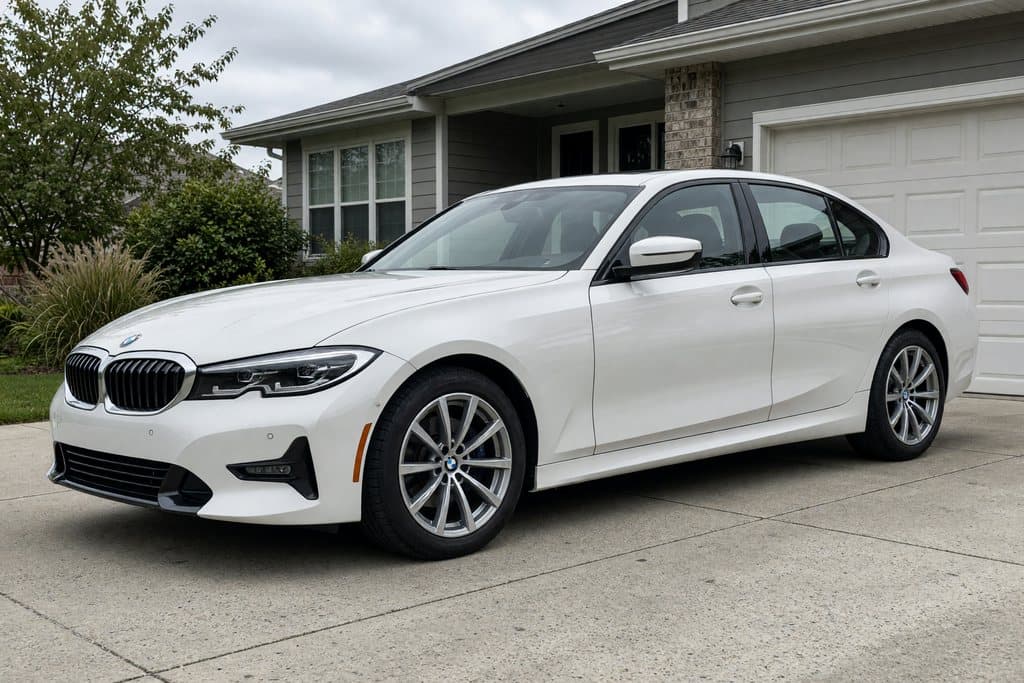
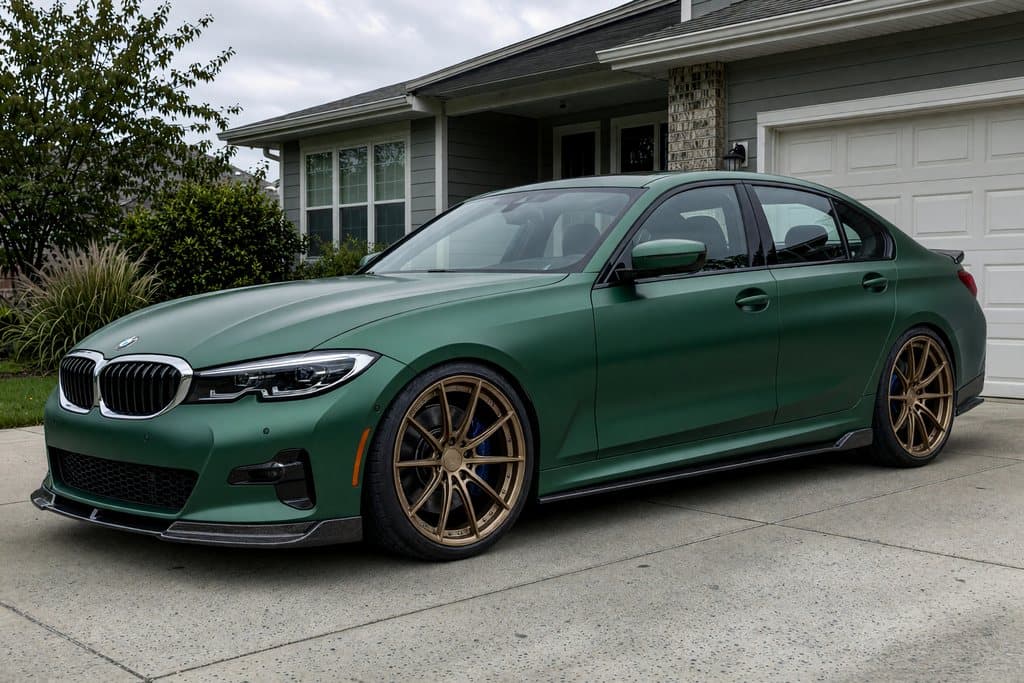
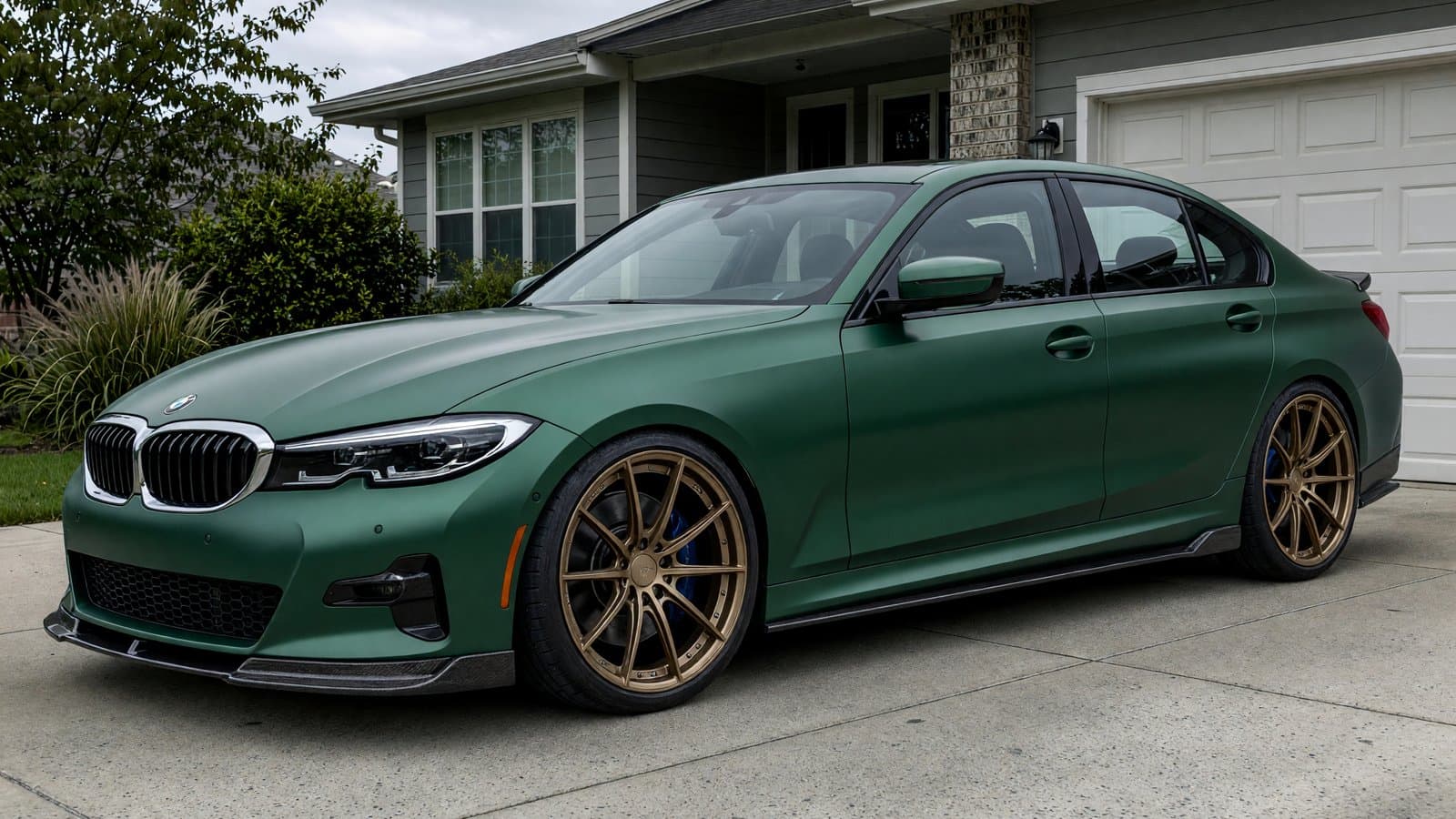
Same photo, same driveway, same light. That is the difference between seeing a part on a 3D model and seeing it on your car.
How to customize your car online, step by step
Plan in the order the changes affect the look: wheels, stance, color, then details. Each step changes how the next one reads, so deciding them in order saves you from a wrap that clashes with wheels you have not picked yet.
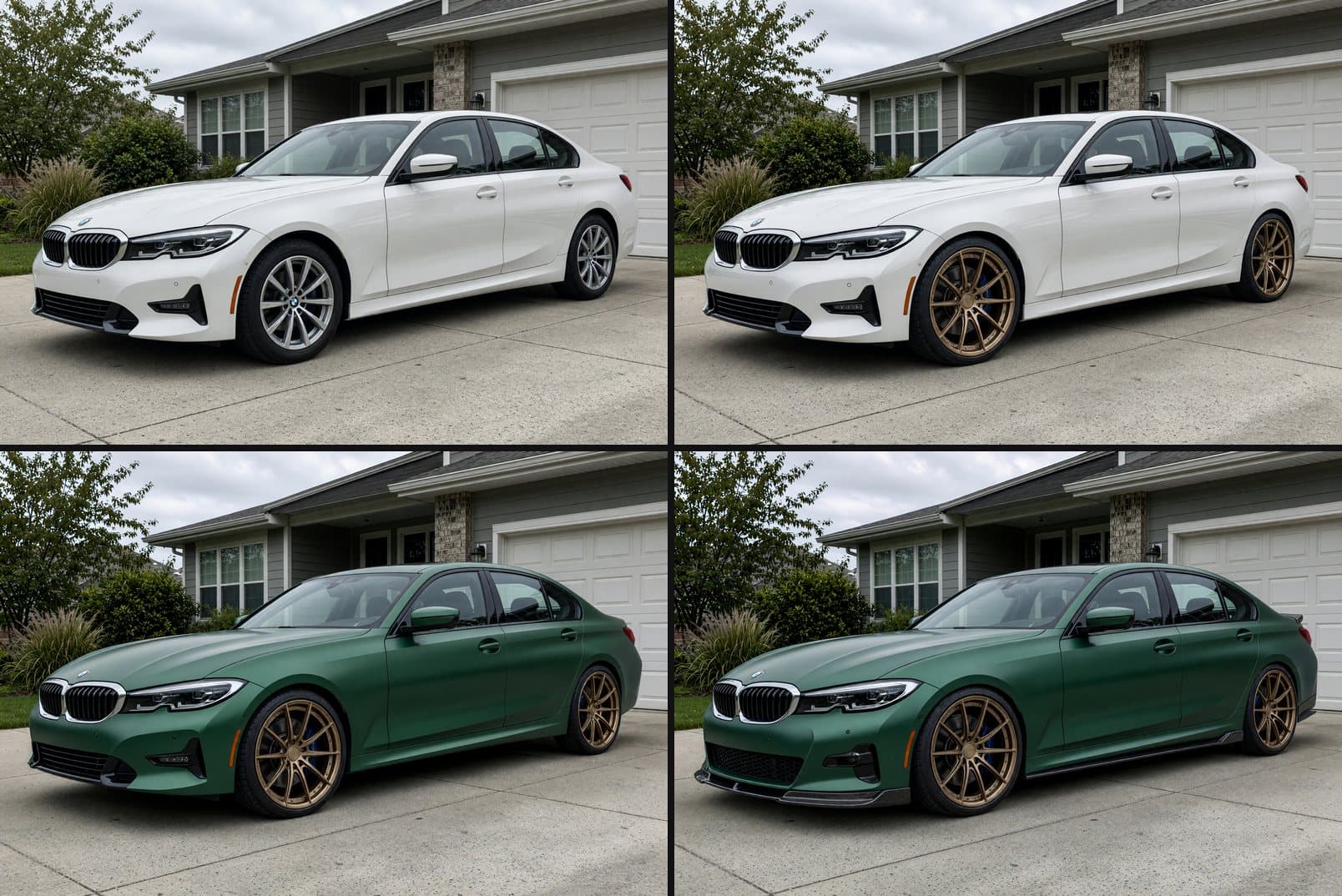
- Start with a good photo. Side or front three-quarter view, whole car in frame, wheels visible, even daylight. Every later step inherits its quality.
- Wheels first. They change the car's stance and character more than anything else. Try finishes against your paint; our rim colors guide covers which pairings work.
- Then stance. Lowering or lifting changes how the wheels fill the arches. Our coilovers vs lowering springs guide covers the hardware.
- Then color. A wrap or paint change reads differently with the new wheels and height. See car wrap colors for the popular options.
- Finish with details. Aero, exhaust tips, caliper colors, and tint are the last 10% that ties the build together.
In the example above, the bronze wheels looked good on white paint and great on satin green. That second decision only made sense after the first.
What a car customizer cannot tell you
A preview shows the look, not the fit, the law, or the final color. Know the limits before you order:
- Fitment. No visualizer checks offset, bolt pattern, brake clearance, or tire size. Get those numbers from the shop or the wheel maker; our wheel offset guide explains what they mean.
- Exact color. Screens and photos shift color. Confirm a wrap or paint with a physical swatch in daylight before committing.
- Legality. Tint darkness, exhaust volume, and lighting are regulated by state. A render cannot tell you whether 5% tint is legal where you live.
- Accuracy claims. Several AI apps label their results "for visualization purposes only," and that is the right way to treat every tool on this list, including ours.
Customize your car with VizTunr
If the car already exists, start from a photo of it. Try any wheel on our free wheel visualizer, or browse wheels and wrap colors in the demo shop, with no account. For full builds with your own parts library, the Personal Studio renders wheels, colors, kits, spoilers, and exhaust tips on your car from $0.75 per render.
TuningCar CustomizerCustomize My CarCar Configurator
October 13, 2026 · 9 min readCategory: Tuning
Explore related