
The wheel visualizer that uses your car.
Pick a wheel, upload one photo, and see it on your exact car, in your color, at your ride height.
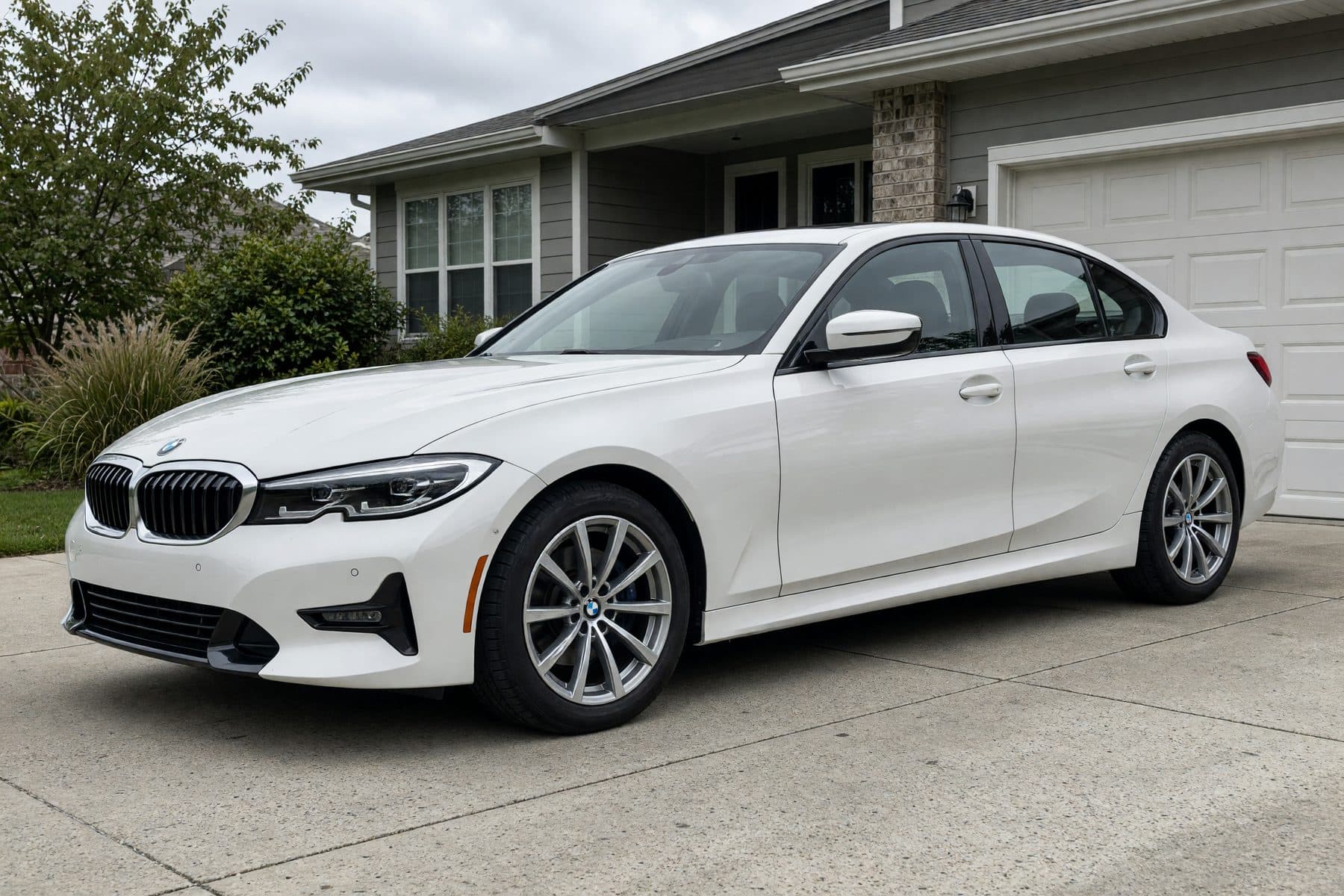
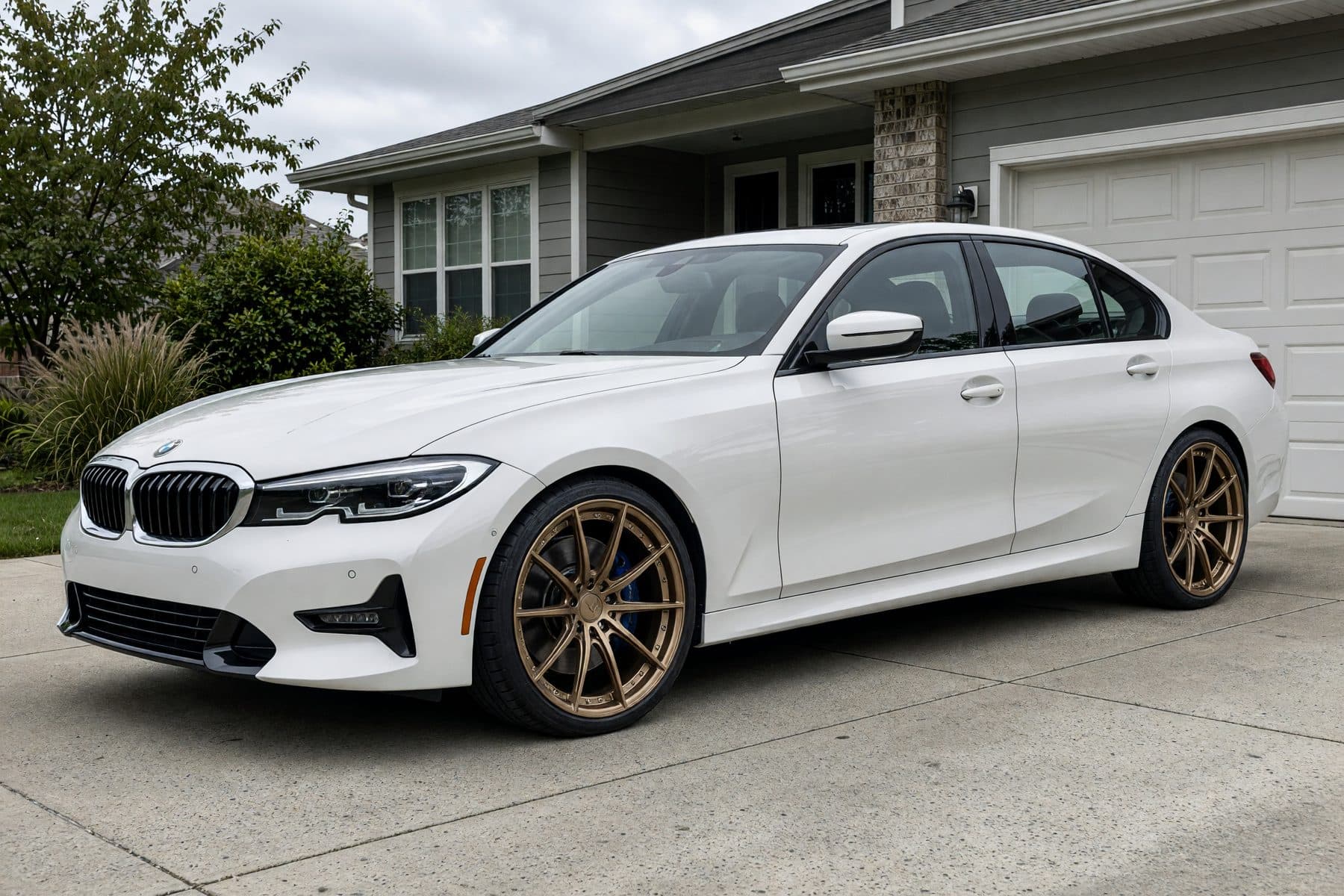
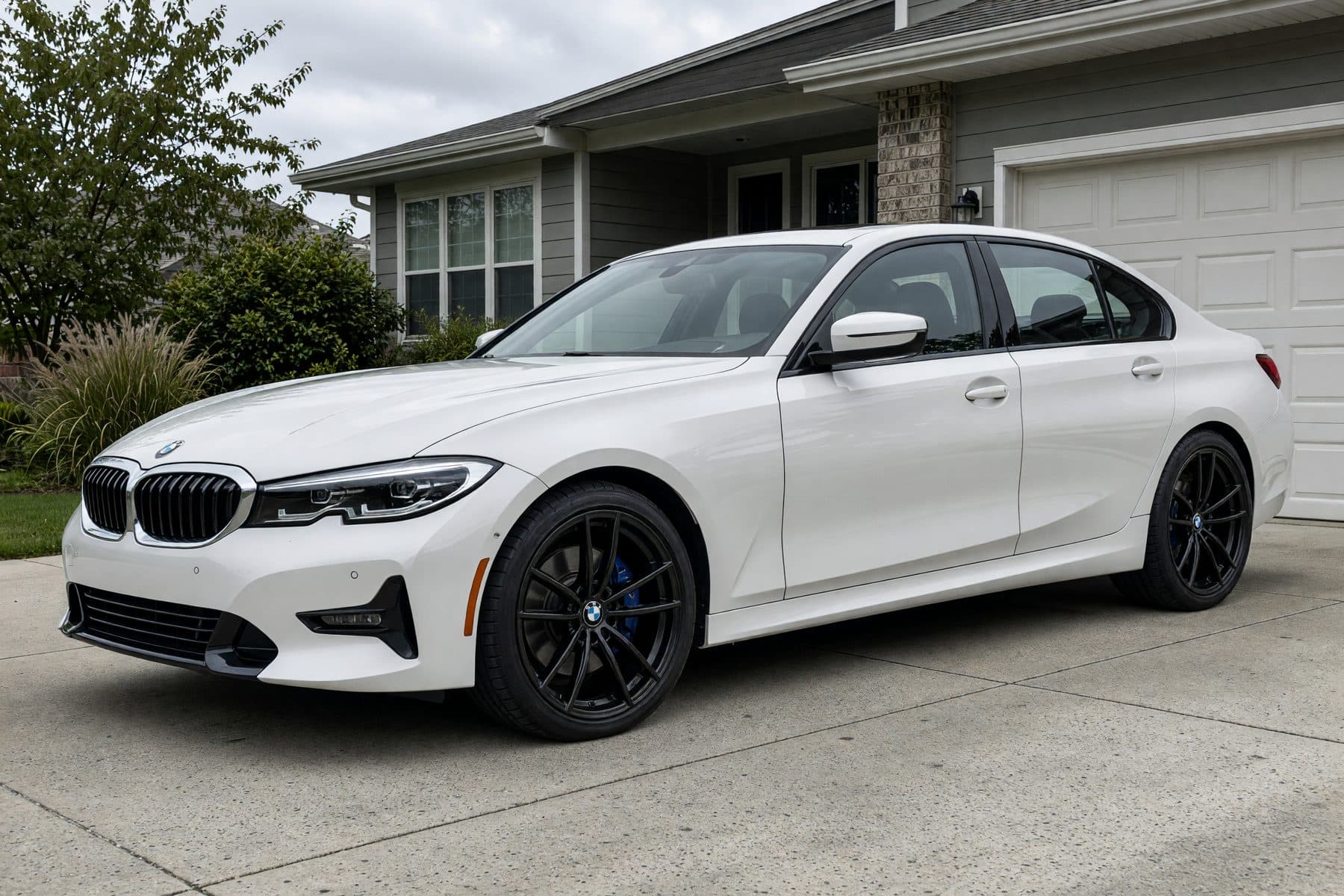
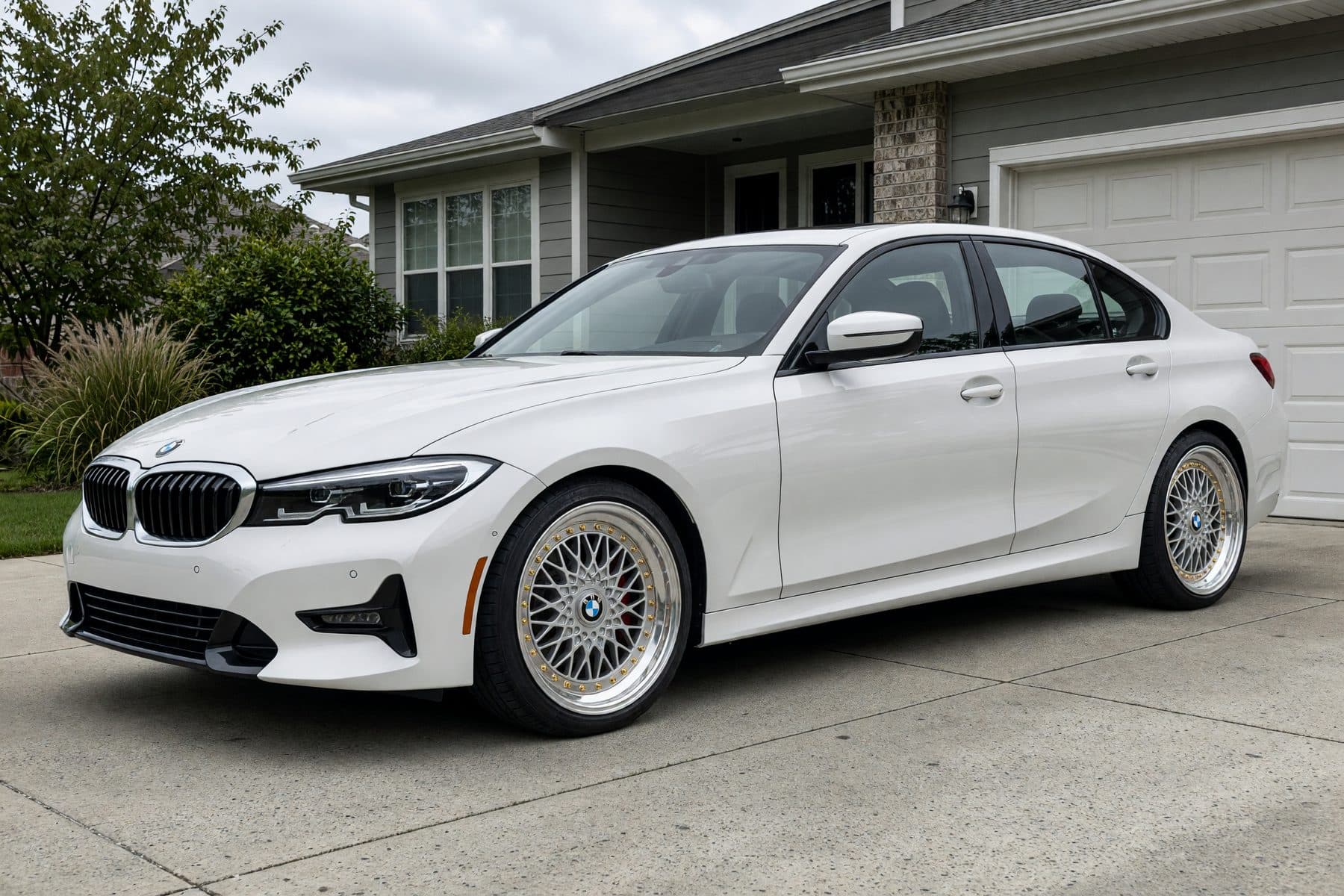

Pick a wheel
Choose a style and finish above.
Upload your car
One photo from your phone is enough.
See the render
Your exact car, photoreal, in about a minute.
Get the best render from your photo.
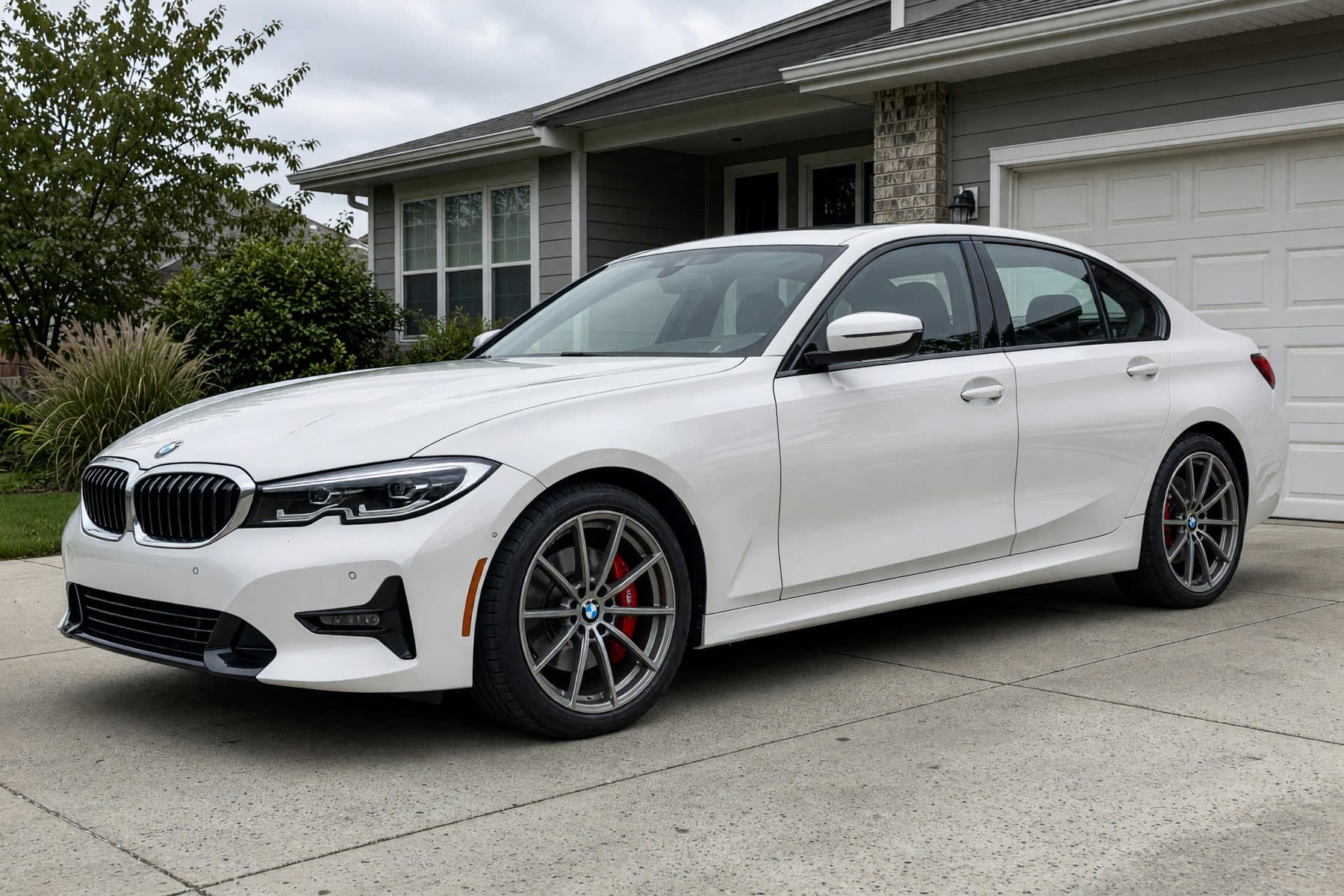
Side or three-quarter view
Both wheels on one side should be visible. Straight-on front or rear shots hide them.
Whole car in frame
Leave a little space around the car. Cropped bumpers or tires make the render guess.
Even daylight
Overcast or open shade works best. Hard midday shadows hide spoke detail.
Any car, truck, or SUV
Lowered, lifted, wrapped, or modified: the render keeps everything except the wheels.
Why a photo of your car beats a picture of your model.
A visualizer built on a stock image of your make and model shows the factory car. This one starts from the car in your driveway.
Your color
Bronze on white and bronze on gray are different decisions. You see the pairing on your actual paint.
Your stance and mods
Lowered, lifted, a body kit, a wrap: the render starts from your car as it is today, not a factory picture.
Your light and angle
The wheel is rendered into your own photo, so it looks like a picture of your car, not a catalog shot.
Sell wheels? Put this on your product pages.
Your customers try every wheel in your catalog on their own car, right from the product page, then book the install.
Wheel visualizer FAQ
Is the wheel visualizer free?
Yes. Pick a wheel, upload one photo of your car, and get the render free, with no account or email. Shops pay for VizTunr when they put it on their own product pages; shoppers never do.
How do I see wheels on my car?
Choose a wheel above, tap Try it on your car, and upload a photo of your car taken from the side or front three-quarter angle with the wheels visible. About a minute later you get a photoreal render of your exact car wearing that wheel.
Does the wheel visualizer work on trucks and SUVs?
Yes. It works from a photo, not from a list of supported models, so pickups, SUVs, Jeeps, and lowered or lifted cars all work. Shoot the whole vehicle with the wheels clearly visible.
Can I try a wheel that is not on this page?
This page uses a small demo catalog. Shops running VizTunr let you try every wheel in their own catalog from the product page. To try any wheel image yourself, the Personal Studio lets you upload your own parts, from $0.75 per render.
Does it check fitment, offset, or size?
No. The visualizer shows how a wheel looks on your car; it does not verify bolt pattern, offset, or clearance. Confirm fitment with your wheel shop before ordering. Our wheel offset guide explains what the numbers mean.
What happens to my photo?
It is used only to render the try-on. We do not reuse it for marketing without explicit opt-in.