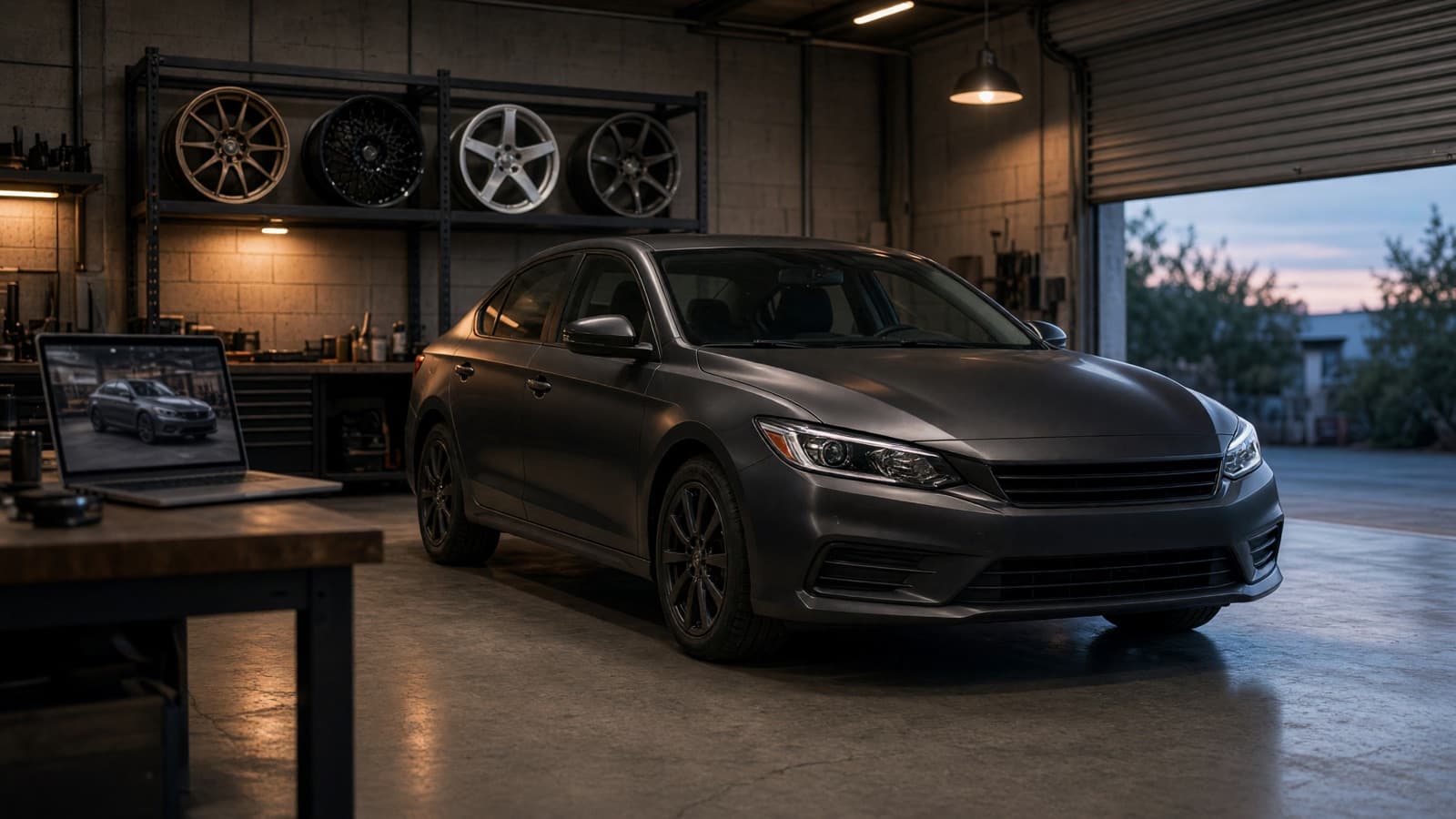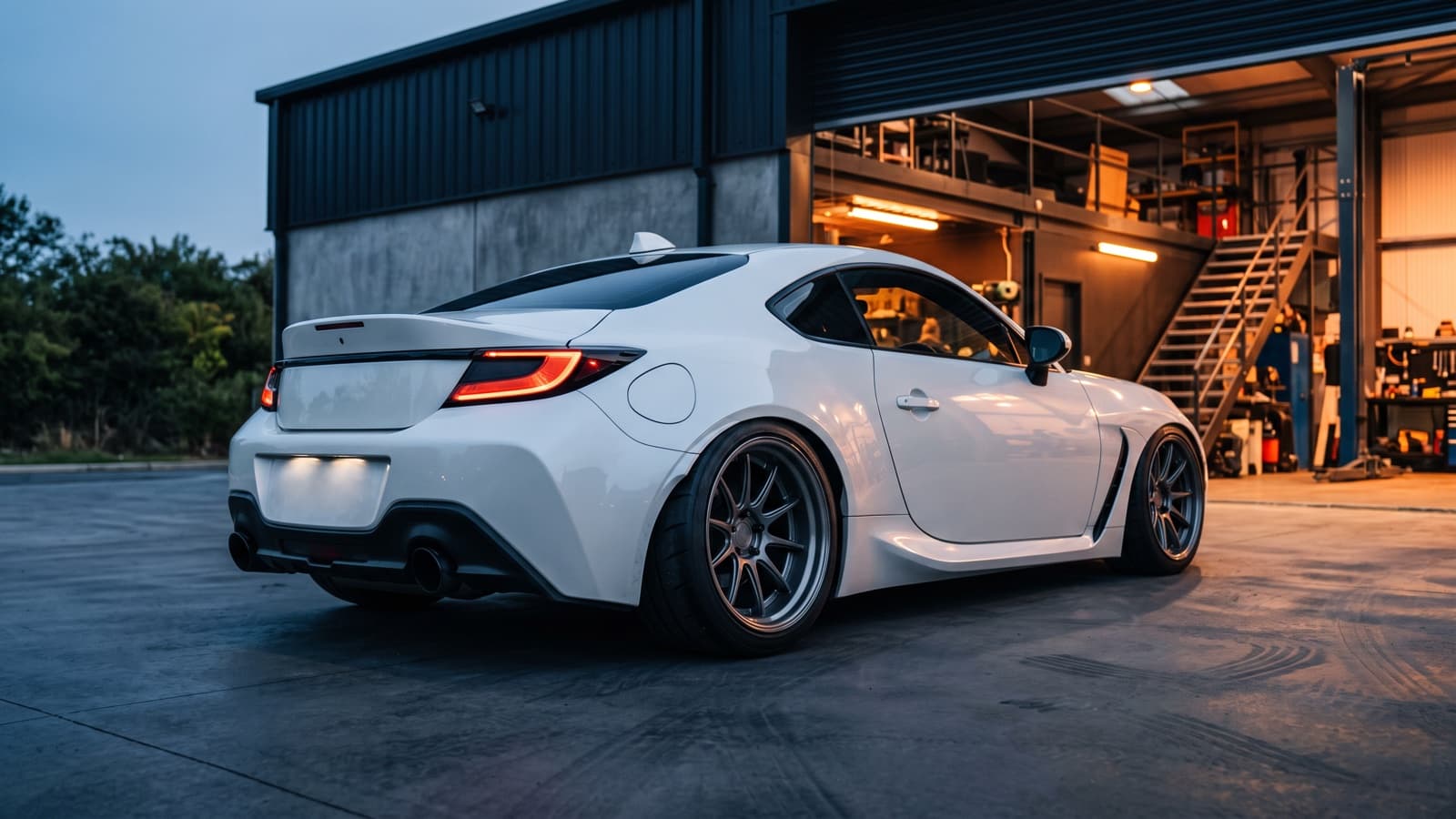
Every tuning shop hears the same sentence right before a big-ticket sale stalls: "I'm just not sure how it'll look on my car."
It's an honest objection, and most shops have no honest answer for it. Stock photos don't help — a wheel on a showroom BMW tells a Golf owner nothing. A wrap swatch under fluorescent light tells nobody anything. A "trust me, it'll look great" from behind the counter is asking the customer to gamble four figures on your taste. So they say they'll think about it, and the quote dies in their inbox.
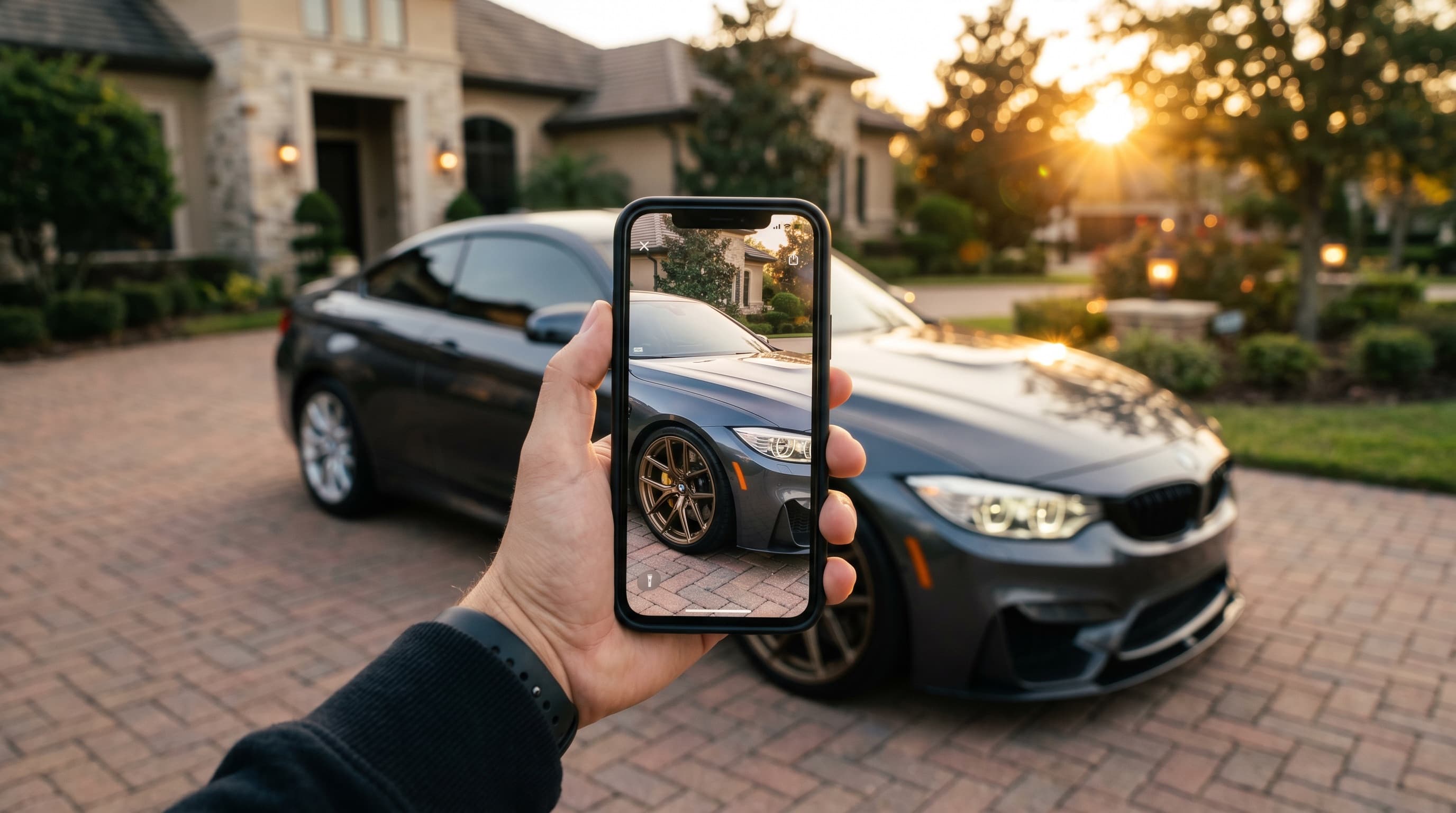
Virtual try-on closes that gap. The customer uploads a photo of their own car, picks your parts, and gets a photoreal render of their car wearing them — in about a minute, on their phone, with your shop's branding on the page. The question that used to end the conversation becomes the moment you win it.
What virtual try-on actually is
Virtual try-on for tuning is simple to describe: one photo of the customer's car in, one photoreal render of that same car with your parts out. No 3D scanning, no configurator, no app to install. The AI understands the car in the photo — body lines, paint, lighting, background — and re-renders it with the new wheels, wrap, spoiler, or exhaust tips in place.
The key word is their. The render preserves the customer's exact model, trim, ride height, and even the driveway it's parked in. That's the difference between a preview that gets a polite nod and one that gets forwarded to three group chats.
What customers can try on
VizTunr covers the four purchases where "how will it look" decides whether the sale happens:
- Wheels — your sets on their car, with a believable fitment look and stance. Wheels are the classic stalled sale: high price, permanent visual change, and impossible to imagine from a product photo shot on a different car in a different color.
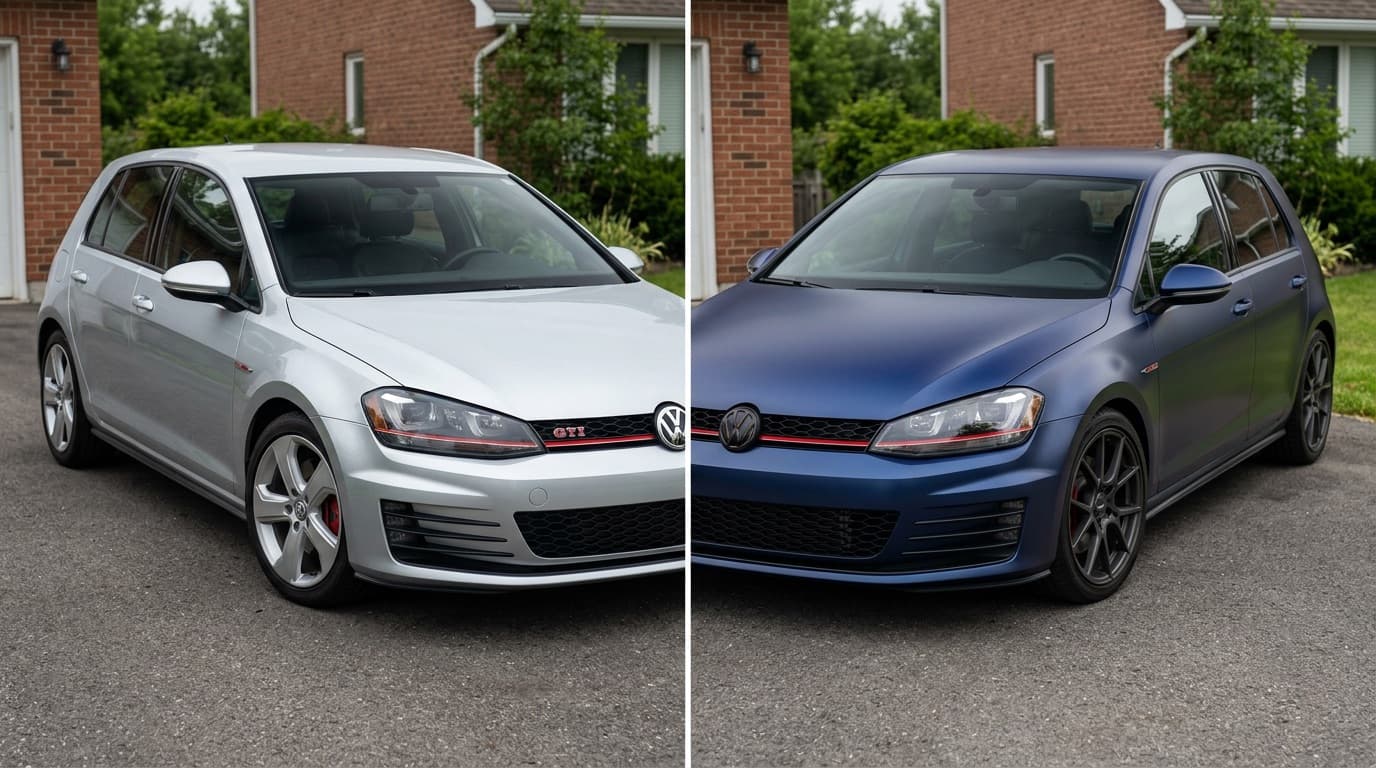
- Color & wraps — full color changes, satin and matte finishes, liveries. A wrap is the single most visual product a shop sells, and the one customers are least able to picture. A 5 cm swatch cannot answer "what does satin black do to my car's lines?" A render of their car can.
- Spoilers — from subtle lip spoilers to full GT wings. This is the category where customers most fear looking ridiculous. Showing the actual proportions on their actual car settles the "too much?" debate in seconds.
- Exhaust tips — the detail customers obsess over most relative to price. A quick render turns a €150 impulse into a confident yes.
Try-on vs. configurators vs. template visualizers
Shops that looked into visualization before usually met one of two dead ends: enterprise 3D configurators, or free wheel visualizers with stock car templates. Here's how the three approaches actually compare:
| Template visualizer | 3D configurator | Photo try-on (VizTunr) | |
|---|---|---|---|
| Shows the customer's own car | No — generic template | Only if their exact model is modeled | Yes — from one photo |
| Setup required | Low | 3D assets for every car and part | Enter your shop URL |
| Cost to launch | Free–low | Five figures and months | Per-shop plan, priced by renders |
| Covers wraps and finishes | Rarely | If modeled | Yes |
| Convincing enough to close | Rarely | Sometimes | That's the point |
3D configurators are what enterprise brands use, and they're the reason most independent shops have nothing: every car model and every part needs a 3D asset before the first preview exists. Template visualizers are the opposite failure — cheap to offer, but the customer knows that white coupe isn't their car, so the preview carries no weight.
Photo try-on works from what already exists: one photo of the customer's car and your existing product shots. The same rendering approach powers Visualizee.ai, which architects and designers use to turn sketches into photoreal renders — VizTunr applies it to the tuning counter. If you want to see the consumer-side version of this workflow, the AI car wrap generator guide walks through wrap previews step by step.
What it does for the shop
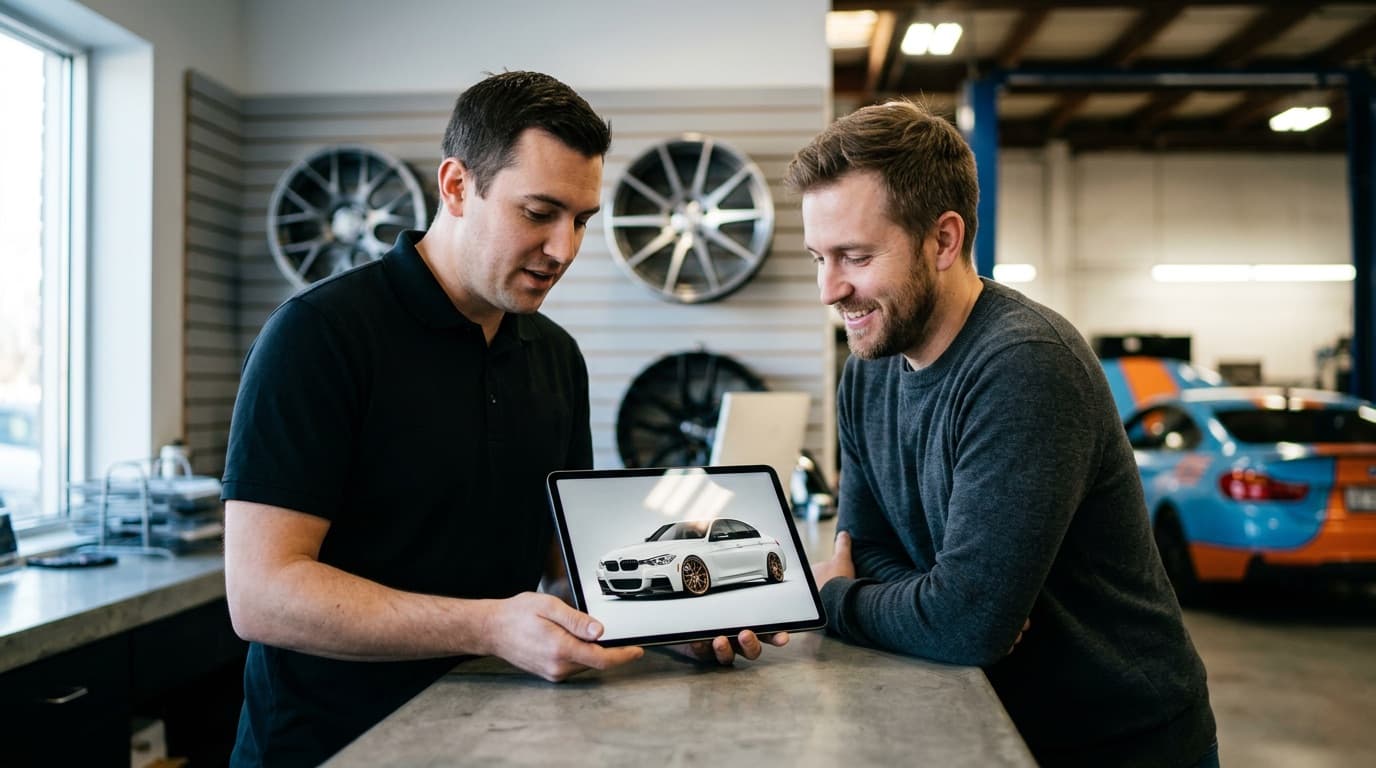
1. Quotes stop dying. The objection appears at the counter or in a DM — and the render answers it right there, not a week later when the customer has cooled off. Instead of "I'll think about it," you get "okay, and what would it look like in satin?"
2. Upsells become visual instead of verbal. "Want to see it with the spoiler too?" is one tap, not a persuasion job. Nobody talks a customer into a second product as effectively as a picture of their own car wearing it. The render does the selling; you just ask the question.
3. Your storefront markets itself. Customers share renders of their own car — to their group chat, their forum, their Instagram — and every one of those images has your branding on it. That's word-of-mouth with a picture attached, generated by the customer, for free.
4. You qualify leads before the conversation starts. Someone who uploaded their car and tried three wheel sets on it isn't browsing — they're deciding. When that inquiry lands, you already know what car they drive and what they want on it.
Where it fits in your sales workflow
Virtual try-on isn't a separate channel to manage. It slots into the three places tuning sales already happen:
- At the counter. Customer hesitates on a wheel set — hand them the tablet, or have them scan and upload their car on their own phone. The decision happens during the visit instead of after it.
- In the quote follow-up. Instead of a PDF with part numbers, send the quote with a link: "here's what it looks like on your car." A follow-up email with a render of their own car gets opened; a price list gets archived.
- In DMs and comments. Half of tuning inquiries start on Instagram or WhatsApp with "how much for wheels like these?" Reply with your try-on link and let them answer their own biggest question before you've quoted anything.
Setup: your URL in, branded storefront out
Most visualization tools fail shops at the same step: the integration. Syncing a product catalog, exporting SKUs, mapping images — the project dies in week two.
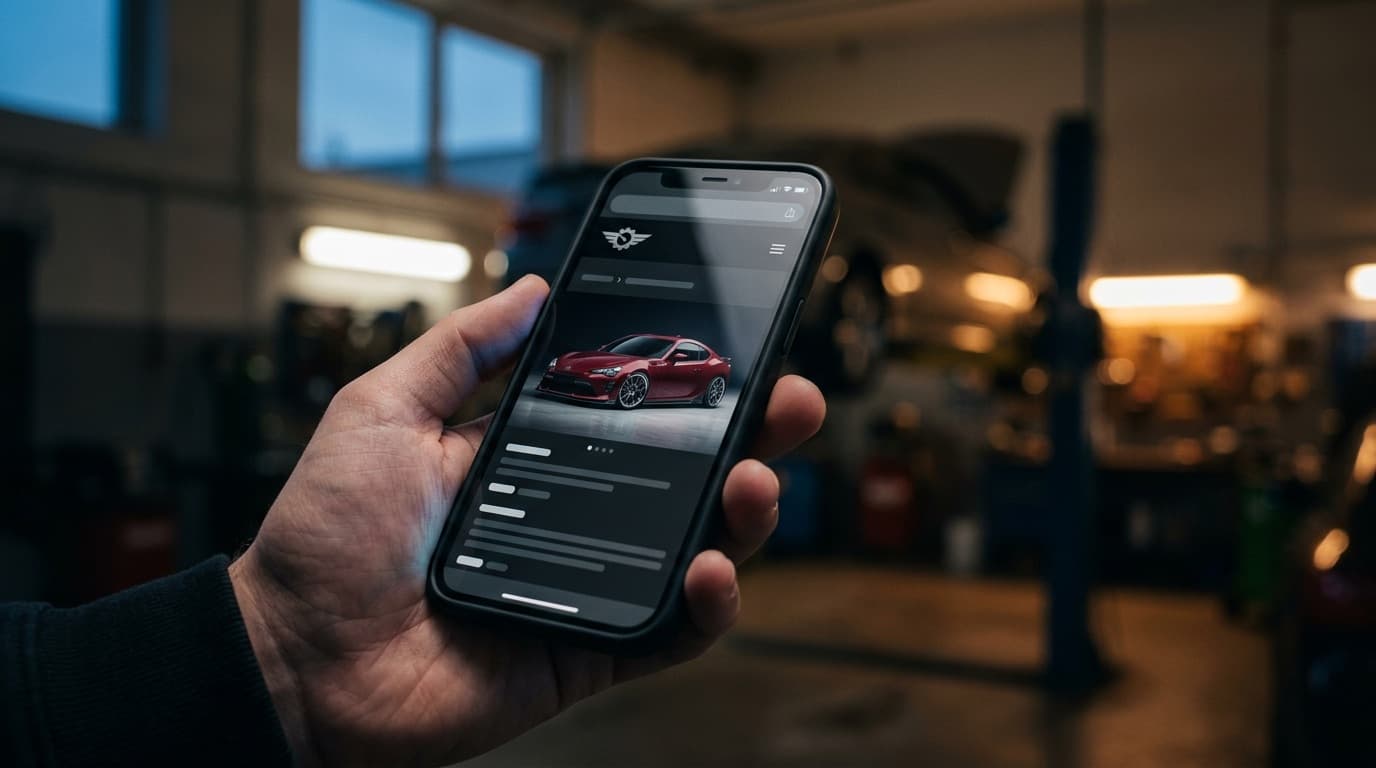
VizTunr skips it. Setup starts from your shop URL: VizTunr scans your site, pulls your name and logo, and builds a branded try-on storefront you review before going live. Your try-on lineup is a small curated set of the parts that actually stall sales — not your whole catalog — and you link customers to specific parts straight from your product pages or your DMs.
Want to feel the customer side first? Open the demo shop and try a wheel set on your own car — no account needed. Then see how it works for shops, or check pricing: plans are per shop, priced by renders, and unused renders roll over.
The next time a customer says "I'm just not sure how it'll look on my car," you'll have the only answer that works — a photo of exactly that.
Virtual Try-OnTuning ShopWheelsWrapAI Car Rendering
July 3, 2026 · 8 min readCategory: Try-It-On
Explore related